
Video Production Programs
We started building these programs back in 2021 when everyone suddenly needed to figure out how to make decent video content. The courses cover what actually matters — camera work, lighting setups that don't cost a fortune, sound recording that people can actually hear, and editing software you'll use every day. You get real project files, recorded sessions you can revisit, and access to instructors who've worked on commercial productions.

What You'll Actually Learn
These aren't theory-heavy modules. Each section focuses on skills you can apply immediately to your own projects, whether you're shooting product demos, online courses, or client work.
Camera Operations
Understanding frame rates, shutter speeds, and how to get sharp footage without expensive stabilization gear. Covers both DSLR and mirrorless systems with practical settings for different shooting scenarios.
Lighting Techniques
Three-point lighting, practical workarounds for small spaces, and how to work with natural light. You'll learn to recognize and fix common problems like harsh shadows and color temperature mismatches.
Audio Recording
Microphone placement, dealing with room acoustics, and noise reduction during recording rather than post-production. Includes specific recommendations for lavalier, shotgun, and USB microphones.
Composition Rules
Rule of thirds, leading lines, and depth of field adjustments that make your shots look intentional. Practical examples from documentary, interview, and product demonstration formats.
Editing Workflows
Cutting techniques, transition choices, color grading basics, and export settings that work for different platforms. Focuses on DaVinci Resolve and Adobe Premiere with keyboard shortcuts that speed up your timeline work.
Export & Distribution
Codec selection, bitrate calculations, and file size management. Covers YouTube, Vimeo, and direct client deliverables with technical specifications that ensure your work displays correctly.
Program Tracks
Choose the learning path that matches where you are now and where you're heading.
Foundation Track
This track starts from the beginning and assumes you've never touched a camera beyond your phone. You'll learn what equipment you actually need versus what's marketing noise, how to set up basic shots, and how to edit footage into something watchable.
Most people finish this in about three months, spending maybe five to seven hours per week on lessons and practice projects. By the end you'll be comfortable shooting simple interview content, product demonstrations, and basic b-roll sequences.
- Camera settings and manual controls
- Basic lighting with affordable equipment
- Audio fundamentals and microphone selection
- Introduction to editing software
- File management and backup strategies
Skill Development
Professional Track
This assumes you already know the basics and want to handle more complex productions. You'll work with multi-camera setups, advanced color grading, motion graphics integration, and audio mixing that goes beyond simple dialogue cleanup.
The professional track takes around six months with consistent practice. You'll create a portfolio piece that demonstrates your ability to plan, shoot, and deliver a polished video project under realistic constraints and deadlines.
- Multi-camera synchronization and switching
- Advanced color correction and grading
- Motion graphics and title design
- Sound mixing and audio post-production
- Client communication and project management
Advanced Competencies
Commercial Track
For people who want to produce content for brands, agencies, or their own client roster. This covers storyboarding, client revisions, working with talent, location scouting, and delivering projects that meet specific marketing objectives.
The commercial track runs for eight months and includes case studies from actual client projects. You'll learn how to quote jobs accurately, manage expectations, and handle the business side of video production alongside the creative and technical aspects.
- Storyboarding and pre-production planning
- Working with talent and direction techniques
- Location scouting and permits
- Client communication and revision management
- Pricing strategies and contract basics
Commercial Expertise
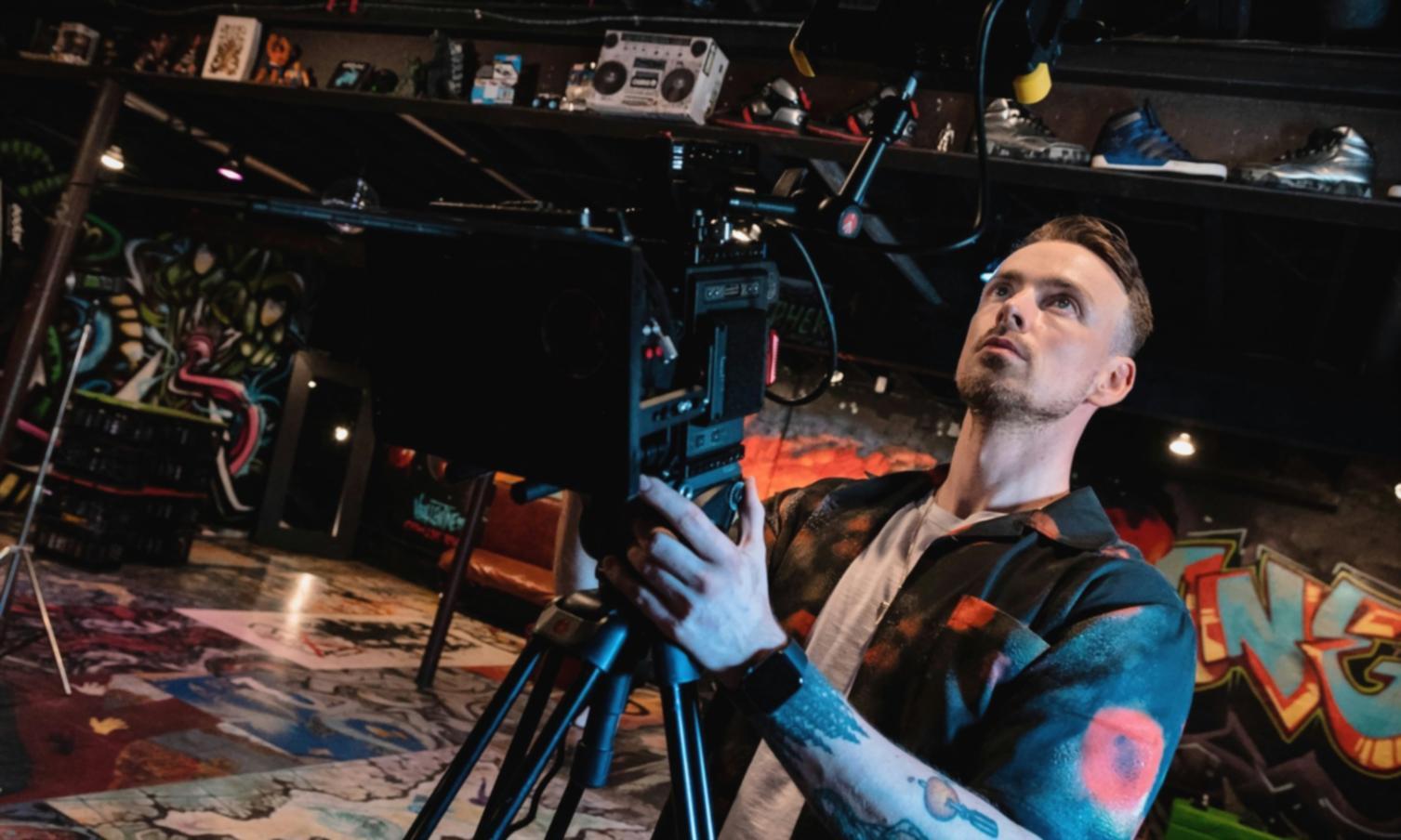
How the Program Works
Each module includes recorded video lessons, downloadable project files, and assignments that build on each other. You work at your own pace but have access to live Q&A sessions twice a month where instructors review work and answer specific technical questions. The assignments are structured so you're producing actual portfolio pieces as you go through the material.
All content stays available after you complete the program, so you can revisit sections when you need a refresher or when you're tackling a new type of project. The material gets updated when software changes or when we find better ways to explain something based on student feedback.
Watch Lessons
Video tutorials with real project examples and screen recordings that show exactly how techniques are applied.
Complete Projects
Hands-on assignments using provided footage or your own material, with specific criteria for what makes a submission complete.
Get Feedback
Detailed reviews from instructors who've worked professionally, pointing out what works and what needs adjustment.
Build Portfolio
By the end you have completed projects that demonstrate your capabilities to potential clients or employers.